ESP GuardCam LED Spezifikationen Seite 1
Stöbern Sie online oder laden Sie Spezifikationen nach Kamerarekorder ESP GuardCam LED herunter. ESP GuardCam LED Specifications Benutzerhandbuch
- Seite / 12
- Inhaltsverzeichnis
- LESEZEICHEN

Inhaltsverzeichnis
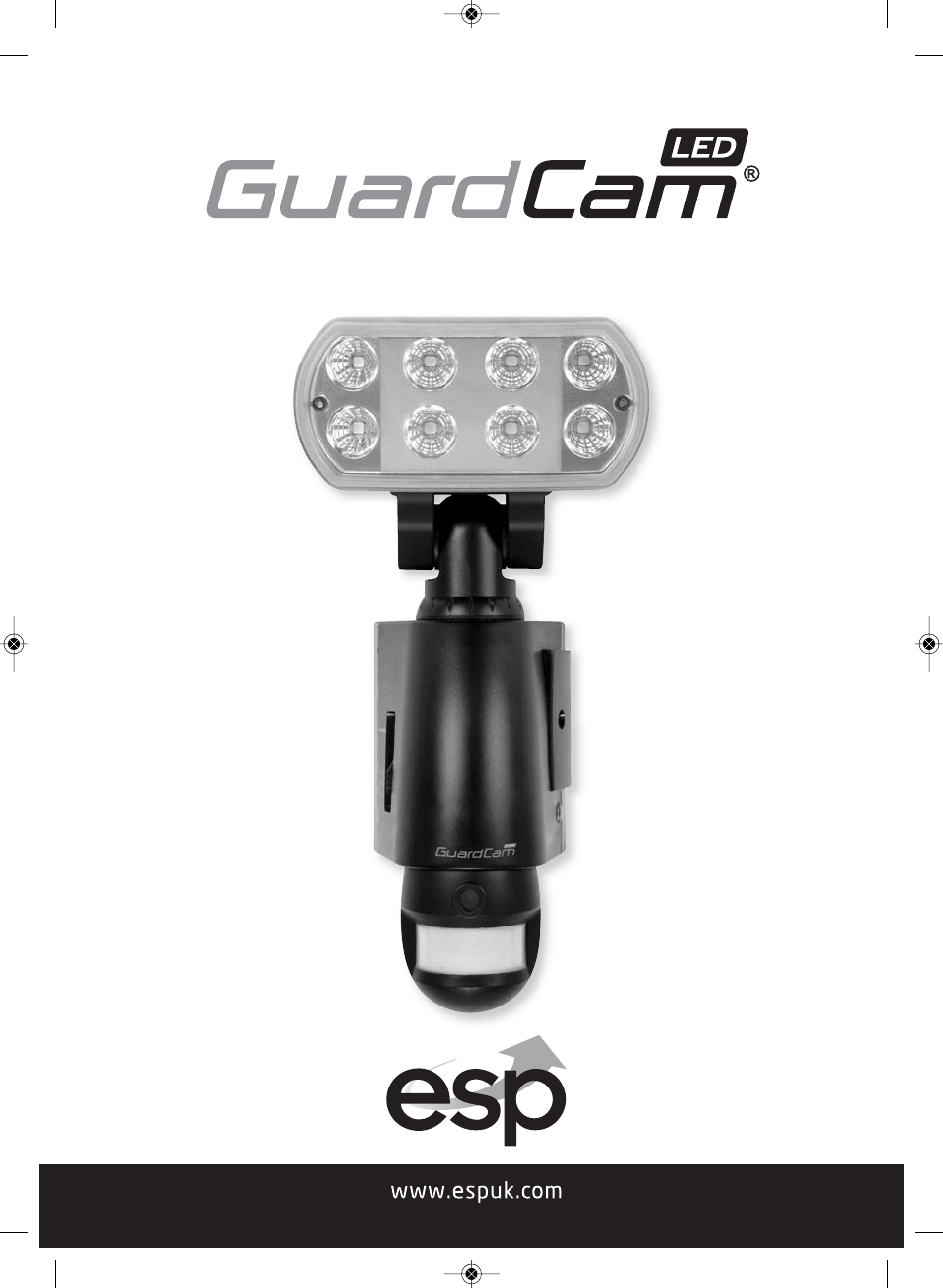
Combined security camera LED floodlight systemGuardCam LED Manual_Layout 2 11/04/2013 14:02 Page 1
Step 6 - Viewing VideoViewing image by computer through USB card reader supplied (see Fig. 11) Open SD card housing with allen key supplied Press O
Technical SpecificationsFeatures and specification: PIR detection angle 160 Deg and detection range up to 10M Records 20 seconds image recording for
General Information and SafetySPECIAL CARE INSTRUCTIONS The GuardCam LED Motion Light with Video Camera is designed to be weatherresistant. Never att
2The requirement to install back up batteries has now been removed from thelatest version of GuardCam. Time and date settings will now be maintaineddu
Table of contentsContents of package . . . . . . . . . . . . . . . . . . . . . . . . . . . . . . . . . . . . . . . . . . . . . . . . 3GuardCam LED Mo
GuardCam LED Motion Light with Video CameraStep 1 – Insert/remove SD card Unscrew the waterproofed cover using provided Allen key, then insert the SD
Step 2 - Installing the GuardCam LEDIMPORTANT - IF IN ANY DOUBT ABOUT THE INSTALLATION OF THIS PRODUCT,CONSULT A QUALIFIED ELECTRICIAN This product m
Fig. 5Fig. 3Fig. 4Step 3 - Mounting your GuardCam LED1. 1. Place plastic masonry plugs intodesired surface aligning holes asshown below. Using an e
7Fig. 7 Fig. 83 Position SwitchStep 4 - Adjusting the Settings (see Figs. 6 - 8) Time control: Turn the time control knob to ”+” side to increase the
Audio mode:To Change audio mode press the audio mode button (Fig. 8). The audio mode willcycle through the available options on each push.Option 1 :
92. Video mode setting: automatically at the end of the time date setting two iconsand “V” appear on the screen; push the button to choose ”V”
Weitere Dokumente für Kamerarekorder ESP GuardCam LED


© 2020, manymanuals.de. Alle Rechte vorbehalten. | 0.037 s |
 Manymanuals.com
 Manymanuals.de
 Manymanuals.fr
 Manymanuals.it
 Manymanuals.pl
 Manymanuals.cz
 Manymanuals.es
 Manymanuals-pt.com
Kommentare zu diesen Handbüchern